







MS’s modern Windows 11 Run box reaches everyone in December after old Browse button saw almost no clicks
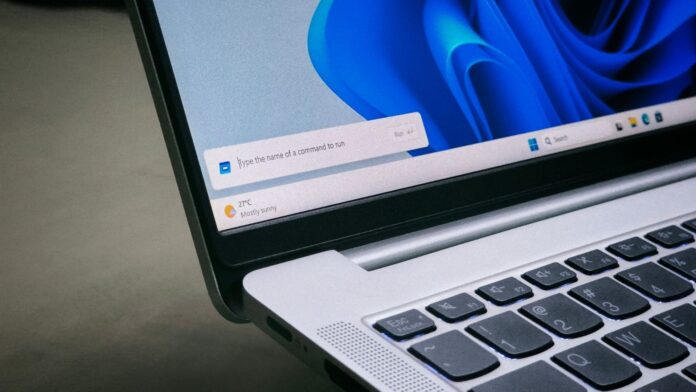
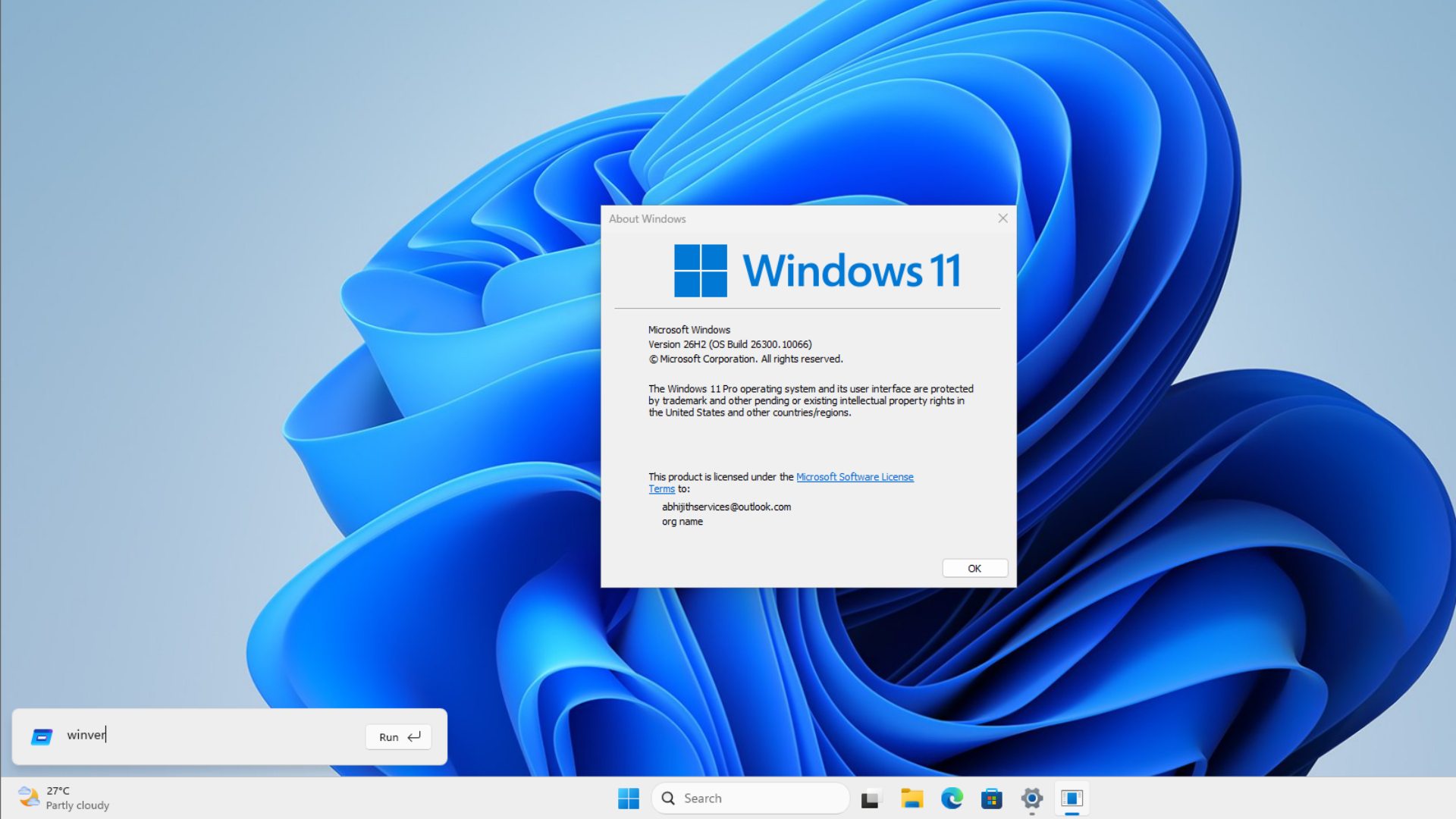
After months of testing, MS has moved its redesigned WinUI-based Run dialog to the Release Preview channel with Windows 11 builds 26200.10066 (25H2) and 26300.10066 (26H2). The update should reach regular PCs as an optional download later this month, followed by the mandatory December 8 Patch Tuesday update.
MS says the new Run dialog opens in a median of 94ms, making it faster than the 103ms achieved by the Windows 95-era legacy version. It also adds dark mode and a home-folder shortcut. We have been testing the new Run dialog since May, and I have been waiting for it to reach my regular PC. We finally have a timeline. If you do not like the faster, modern Run dialog for any reason, MS still allows you to switch back.
Windows 11’s New Run Dialog Reaches Release Preview Ahead of the December Rollout
In the release notes for the November 13 builds, MS states, “The Run dialog has been updated with a more modern design and improved usability.” Unfortunately, it is listed as a gradual rollout, so your PC may not receive it immediately after installing the update.
For context, the modern Run dialog first appeared as a hidden option in Windows 11 preview builds. MS then made it available as an opt-in feature for Experimental channel Insiders in May with build 26300.8346.
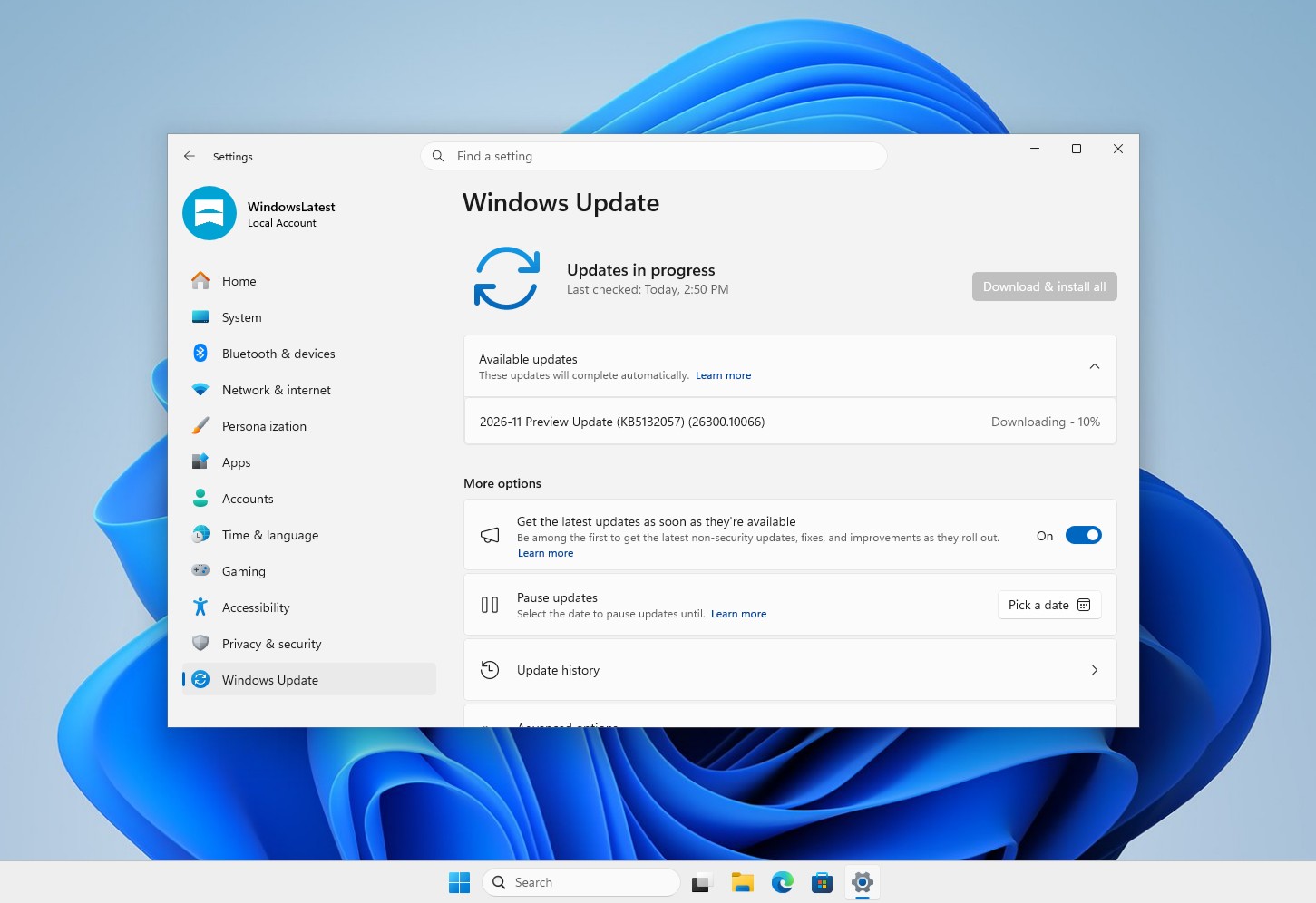
Release Preview is the final stage before a feature reaches regular PCs. Typically, a Release Preview build becomes the optional non-security update during the fourth week of the month, and its features reach all PCs with the following Patch Tuesday update. Unless MS withdraws the feature at the last minute—which is rare at this stage—Windows 11 25H2 and 26H2 PCs should receive the new Run dialog in December.
MS Found That Only 0.0038% of Users Clicked Browse in the Old Run Dialog
Before rewriting Run, MS’s Command Line team briefly measured how people used the old dialog. In a blog post about the new Run dialog, Clint Rutkas, Principal Product Manager at MS, noted that “0.0038% of users have clicked that button with a sample of 35 million.”
That means roughly 1,330 people clicked Browse—a much smaller number than I expected.
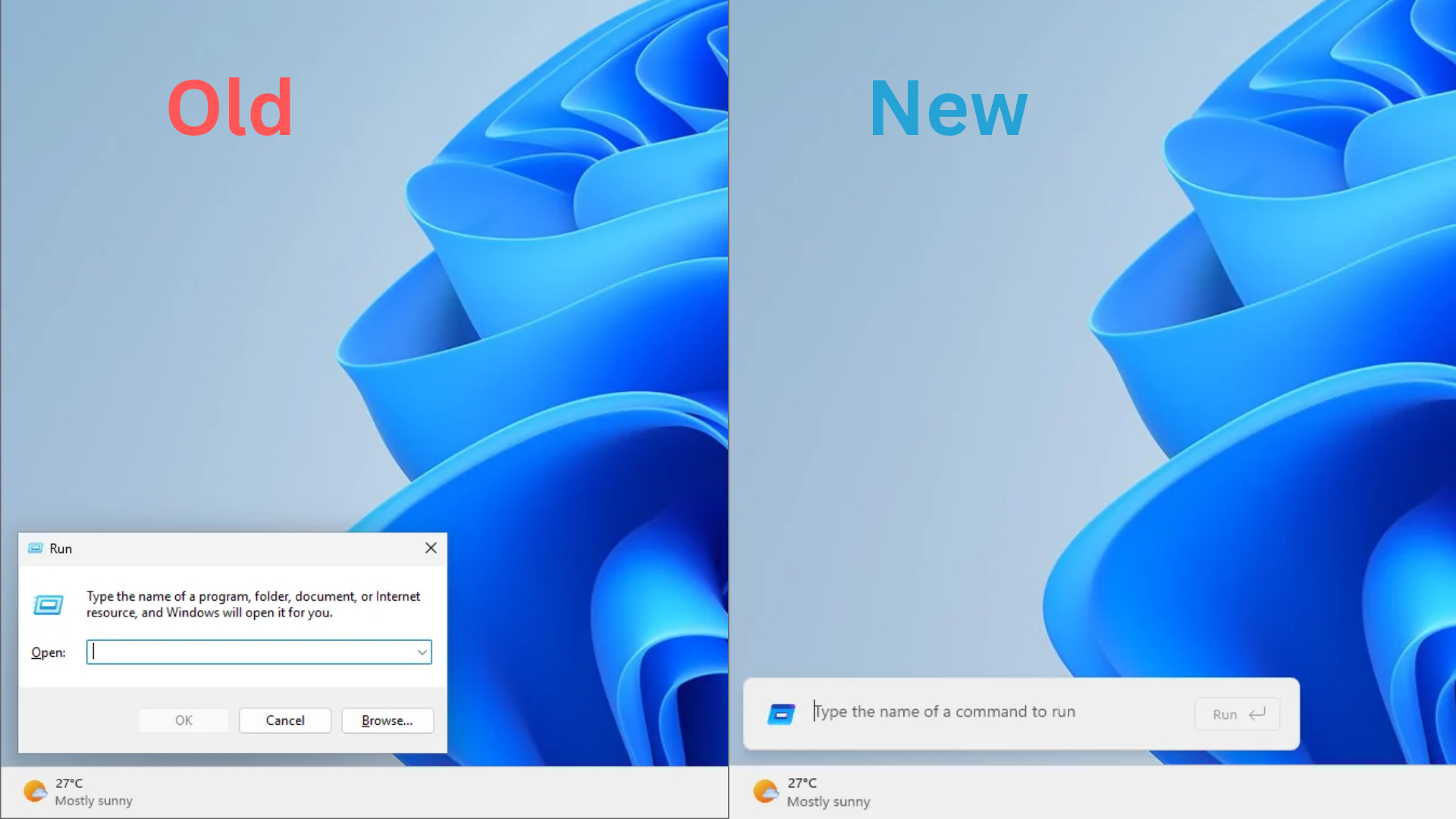
If you are not among those users, Browse opens a file picker that lets you find an app or file instead of typing its path. However, Run is primarily intended for people who already know what to enter, so it is unsurprising that Browse saw little use over three decades and that MS decided to remove it.
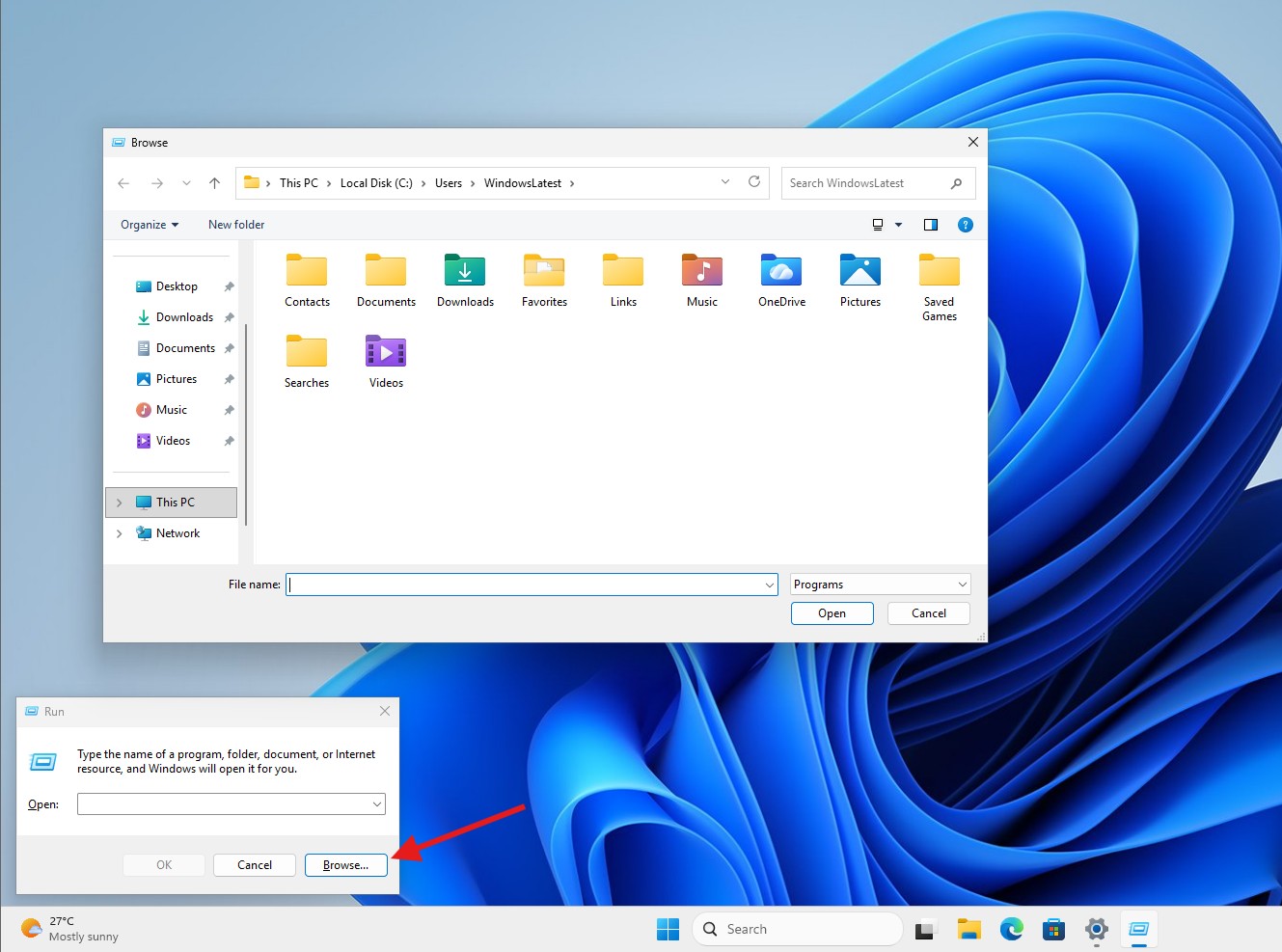
You can still enter local and network paths. The new ~\ shortcut takes you directly to your user folder, where you can continue typing to navigate deeper.
Interestingly, MS also found that some people pasted text into Run and copied it again without executing anything, using the dialog solely to remove formatting. I was unaware of that practice because I typically use Ctrl+Shift+V.
The New Windows 11 Run Dialog Is Faster Than the Old One Despite Its Modern Design
Note that time-to-show measures only the interval between pressing Win+R and seeing the dialog. Opening an app after pressing Enter takes additional time.
A 9ms improvement—approximately 8.7% less time—will not transform the user experience. However, MS replaced a native Win32 dialog with a WinUI version and made it faster. This is the opposite of what happened with File Explorer in Windows 11 and deserves recognition.
When MS first shared the 94ms figure, some social media users compared it with gaming monitors rendering a frame every few milliseconds. As we explained in our analysis of the backlash over the 94ms result, rendering the next frame in a game is very different from launching a dialog from a cold start, which requires creating a process, loading the interface, and drawing the window. The old dialog that many people defended is also the slower one.
Under the hood, the new Run dialog is written in C# with WinUI 3 and compiled using .NET Ahead-of-Time (AOT). It therefore ships as native code, with nothing left to compile when you press Win+R. It also shares code with the Command Palette in PowerToys.
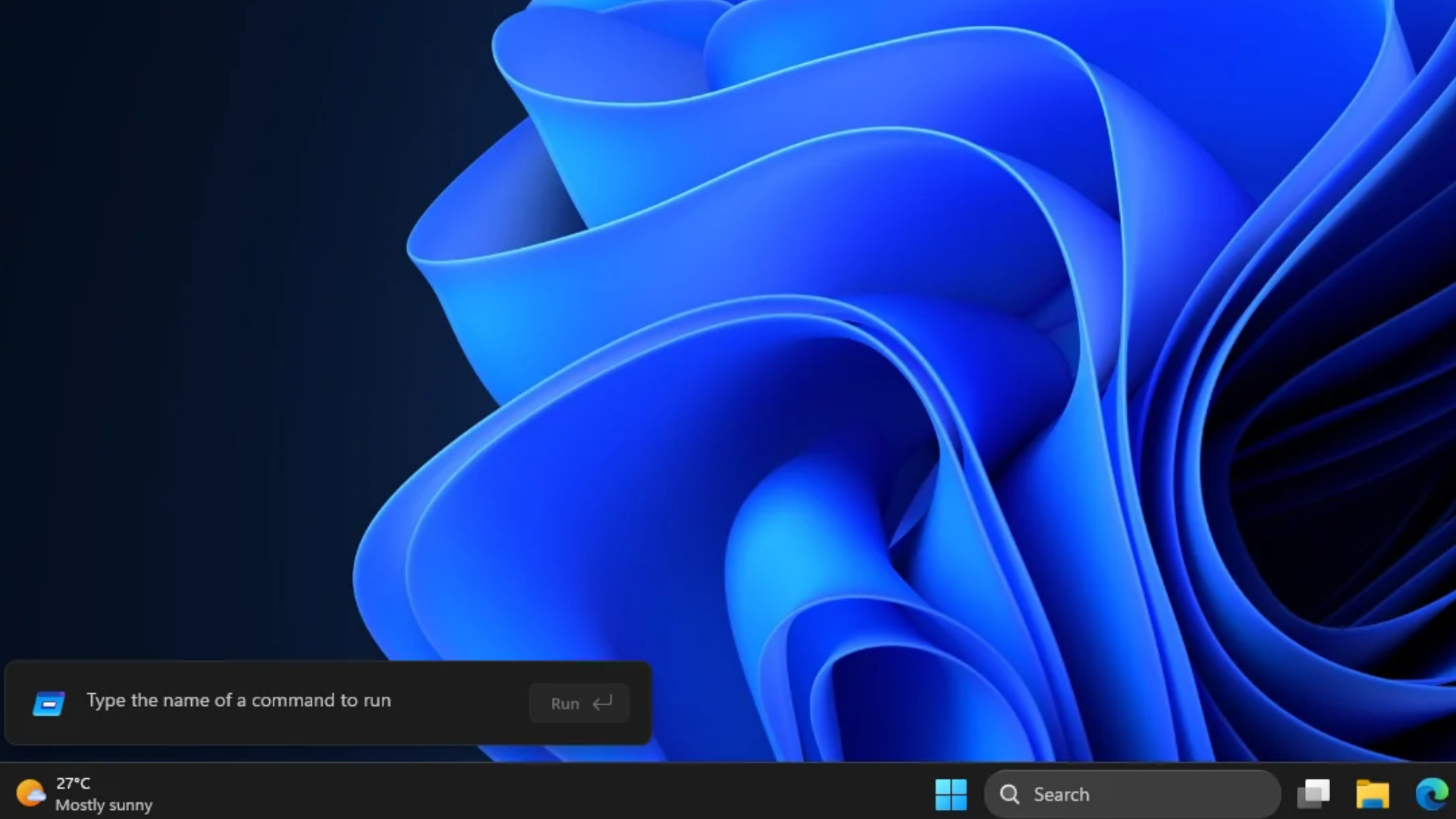
In our side-by-side recording, the classic Run dialog fades in over approximately five frames at 30fps. By comparison, the modern Run panel appears in a single frame, with its text field and Run button filling in over the next few frames.
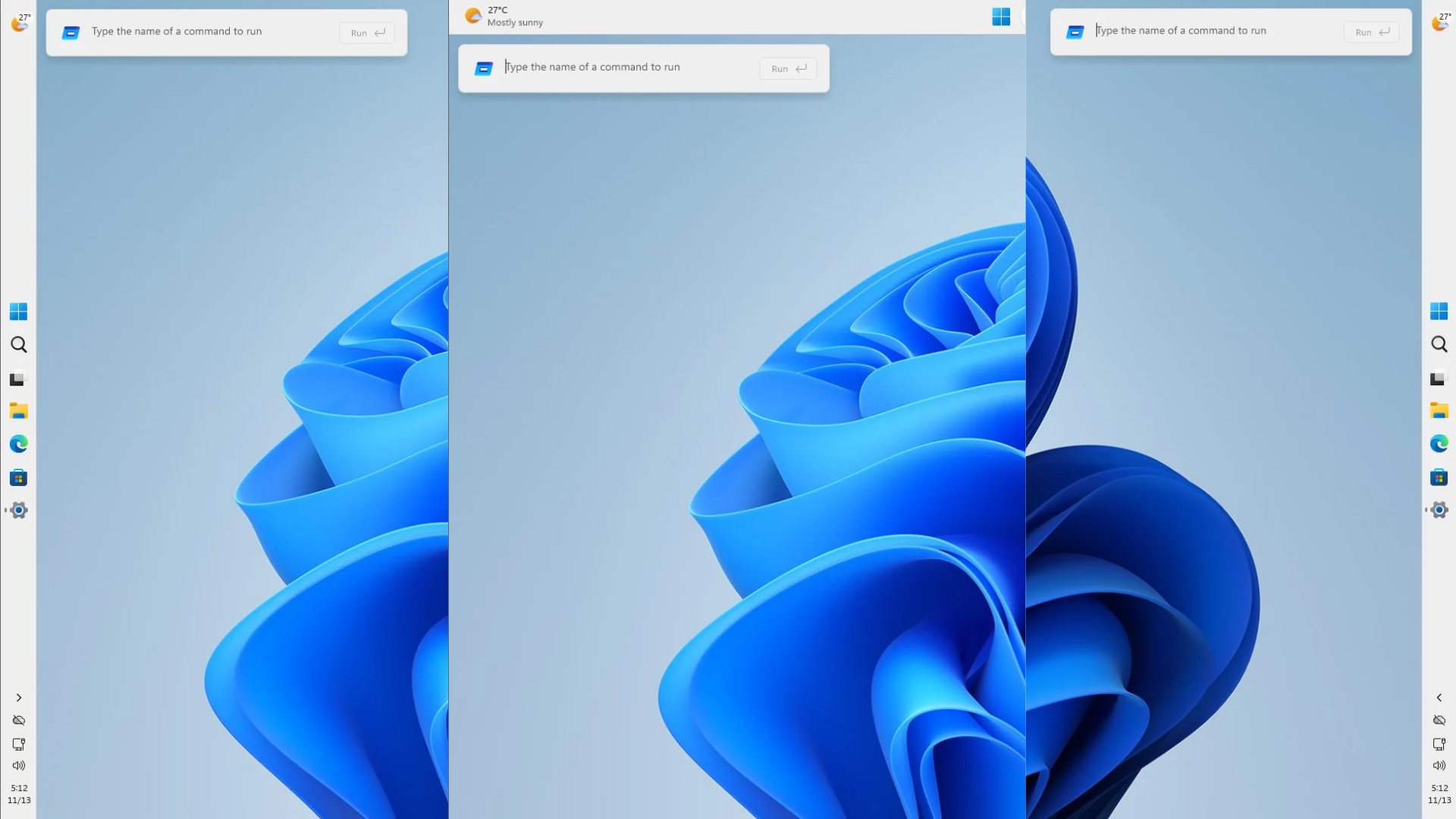
The new Run dialog also works in every taskbar position, just like the old version, and I did not encounter any glitches.
How to Enable the New Run Dialog in Windows 11 and Switch Back to the Old One
The modern Run dialog is optional, and MS has not removed the classic version. Once your PC receives the update—through Release Preview, this month’s optional update, or December’s Patch Tuesday update—you can enable it through its corresponding Windows 11 setting.
How to enable the new Run dialog in Windows 11. Credit: Windows Latest.
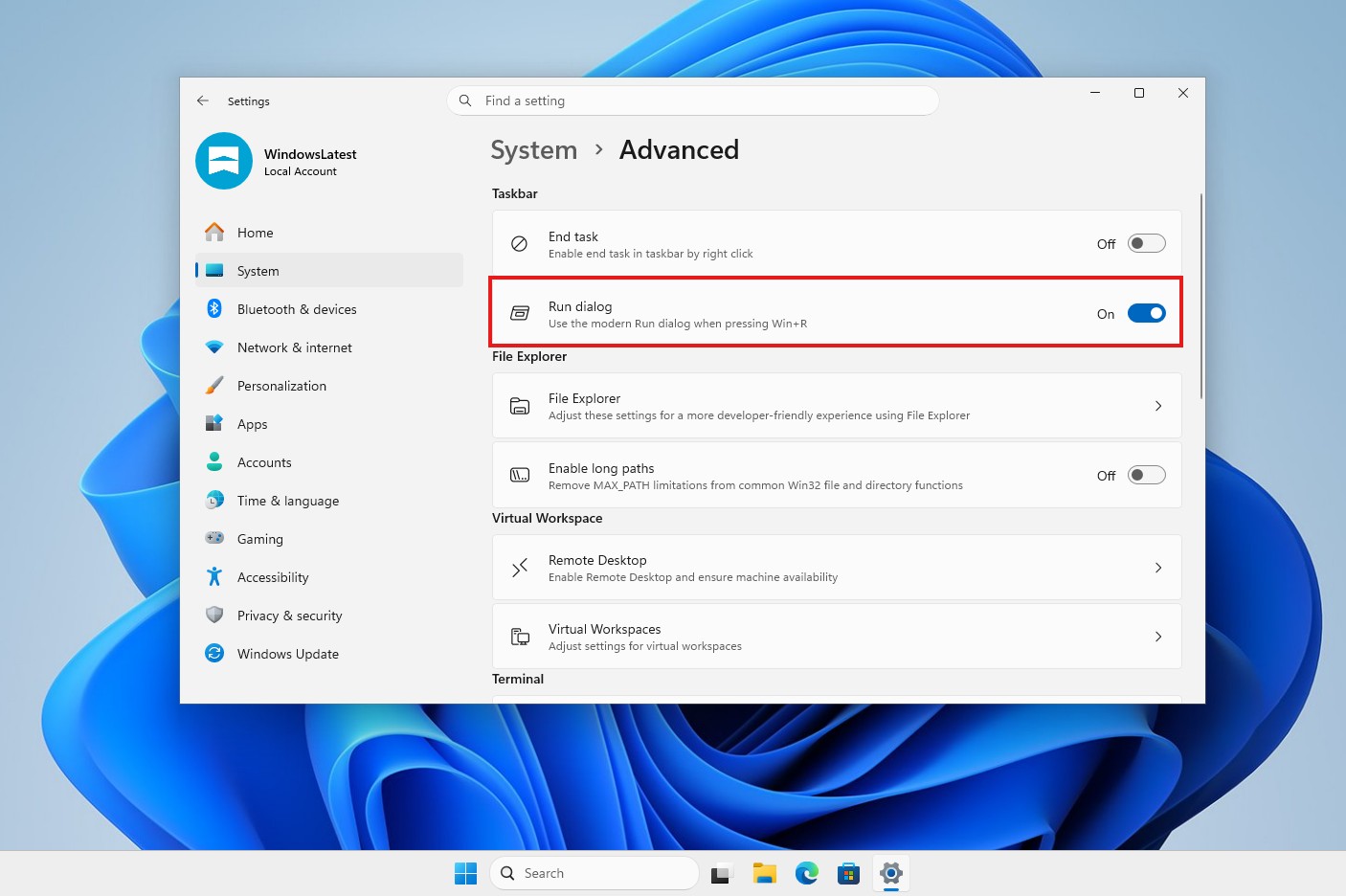
MS’s release notes refer to the toggle as New Run dialog. Fortunately, the “New” label did not appear when the setting became available on our PC.
The new Run dialog opens as a compact panel near the bottom-left corner, directly above the taskbar. Recent commands appear above the text field, and the Up and Down arrow keys let you cycle through older entries. Unfortunately, clearing this history is somewhat cumbersome: you must close Run, reopen it, and press Backspace.
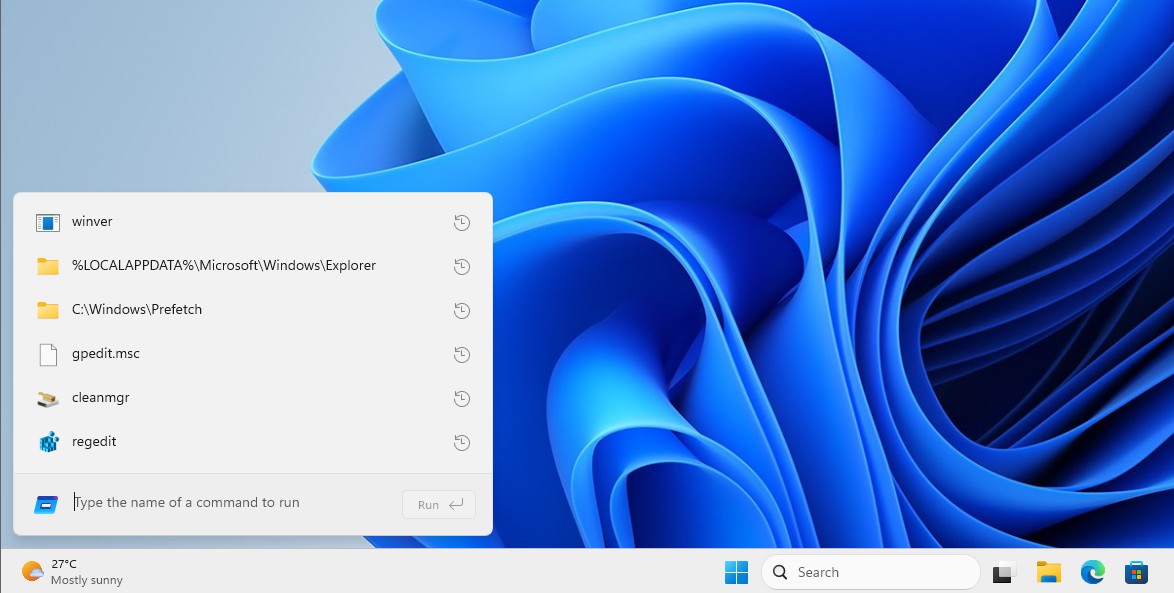
If you do not see the toggle, your PC probably has not received the feature yet, or your organization has disabled Advanced settings through a policy.
MS Is Replacing More of Windows 11’s Legacy Dialogs with WinUI 3
Run is one of the legacy dialogs MS intends to replace. Others include the File Explorer Properties dialog, AutoPlay, and Print Management, all of which are receiving WinUI 3 versions. March Rogers, Partner Director of Design at MS, says the team is “working through our list of all older dialogs and rewriting them in WinUI 3.”
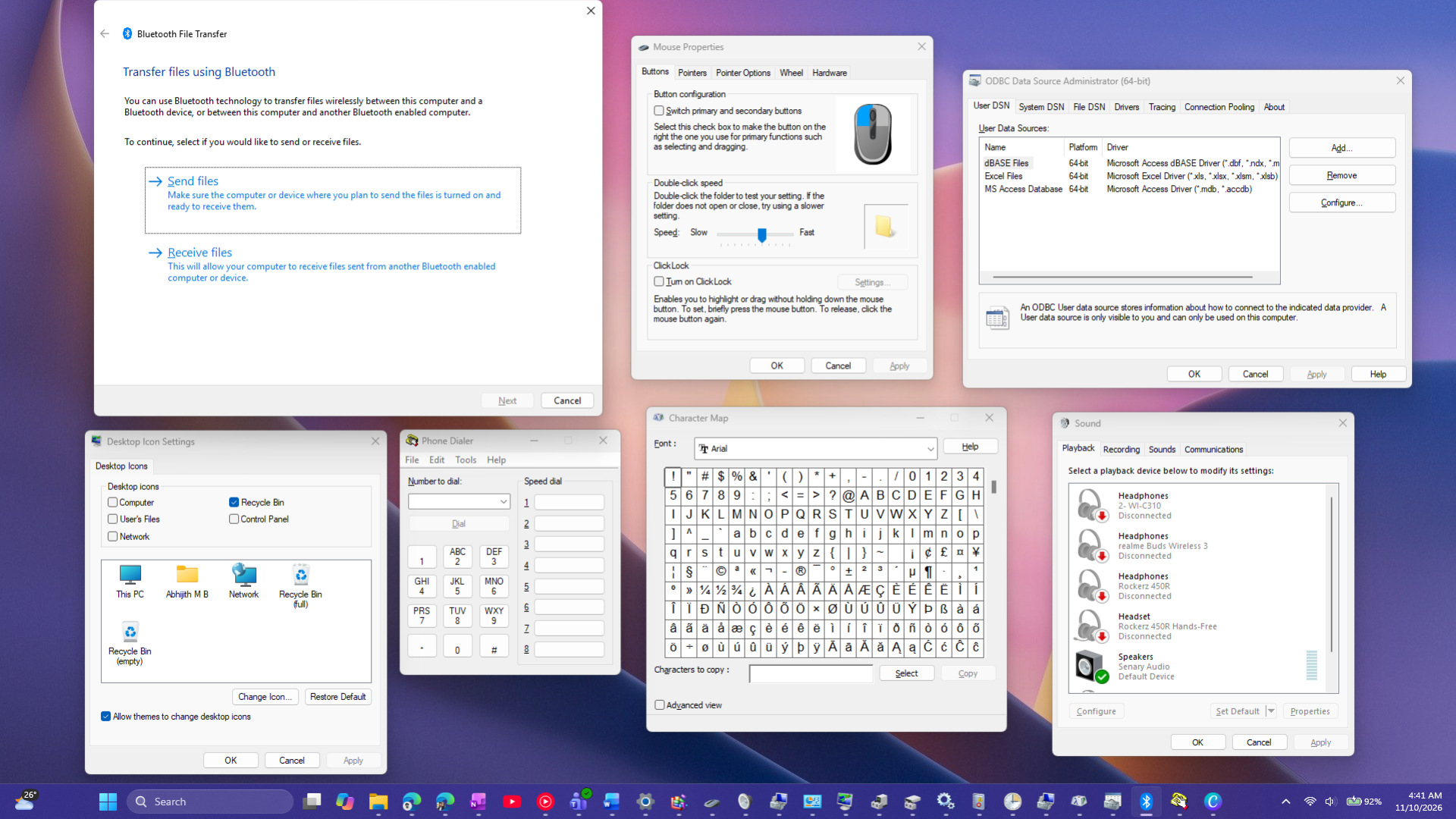
MS’s Reactor repository even includes a native WinUI Registry Editor sample, although MS has not announced plans to release it. Any such release would likely take time, particularly because the sample received considerable criticism online from users who mistook it for an actual WinUI version of Registry Editor, despite our repeatedly clarifying that it was not.
Overall, I support the new WinUI Run dialog. Because the classic version remains available for anyone with 30 years of muscle memory, there is little downside. With the redesigned Windows Search also arriving in KB5132057, December should make Windows 11 more consistent.
Windows Latest depends on readers like you. Make us your Preferred Source on Google Discover and Google Search, and help our independent reporting reach more people.